

Guide • High-intent buyer question
Facebook Messenger Integration
(Unify Social Support with
WhatsApp)
Typical go-live: 2 -5 Days
Why it Matters
✓ Ownership gets unclear across people and shifts
✓ Follow-ups are missed when threads are not tracked
✓ Complaint handling becomes inconsistent across channel
Outcome: A unified workflow keeps service consistent.
How it Works
Same simple setup pattern as Instagram: Connect → Route → Assign → Escalate → Review.
1
Connect Facebook Messenger
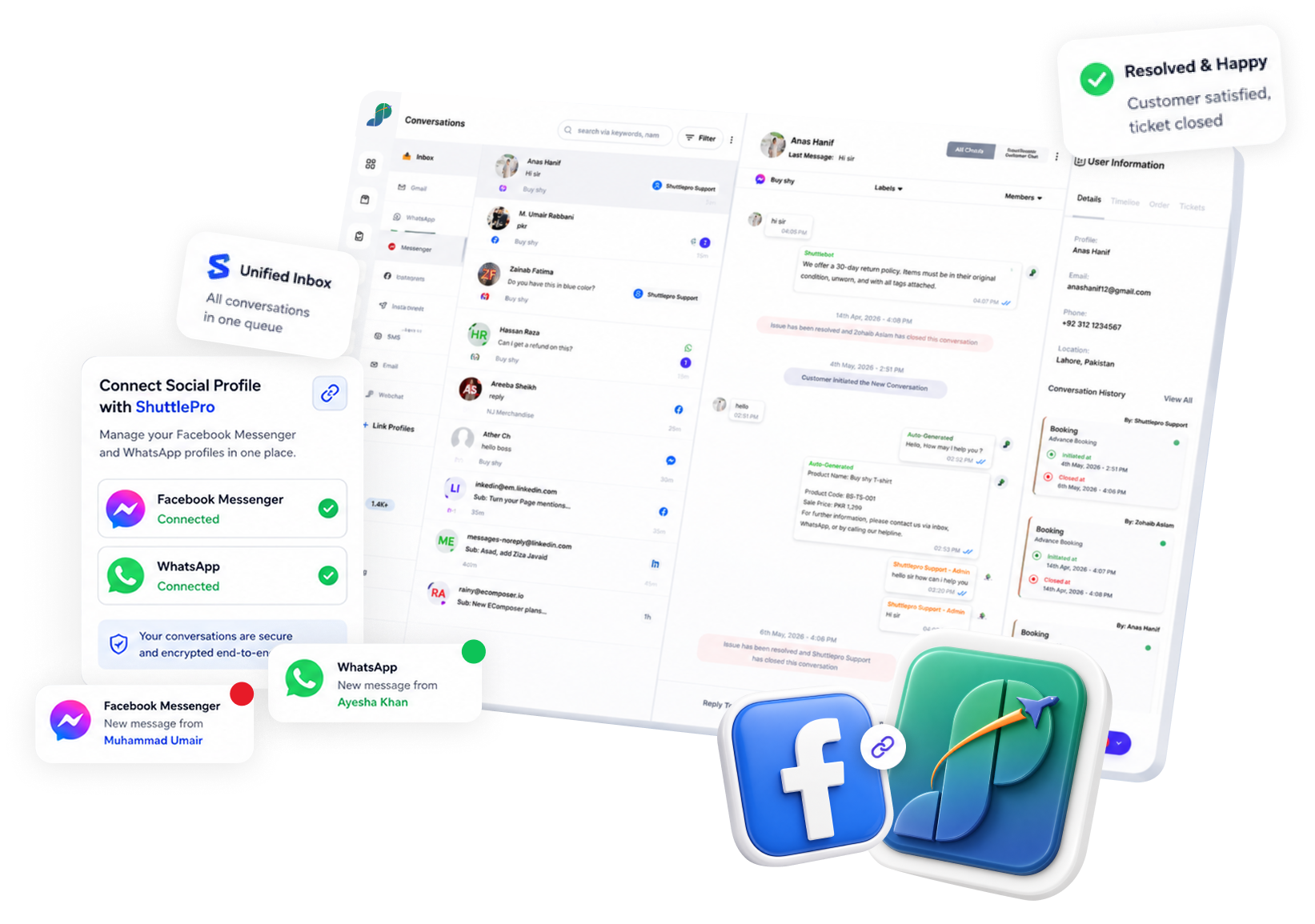
Connect your Facebook page messages to ShuttlePro.
2
Route messages into the shared inbox
Messenger items appear alongside WhatsApp in one queue.
3
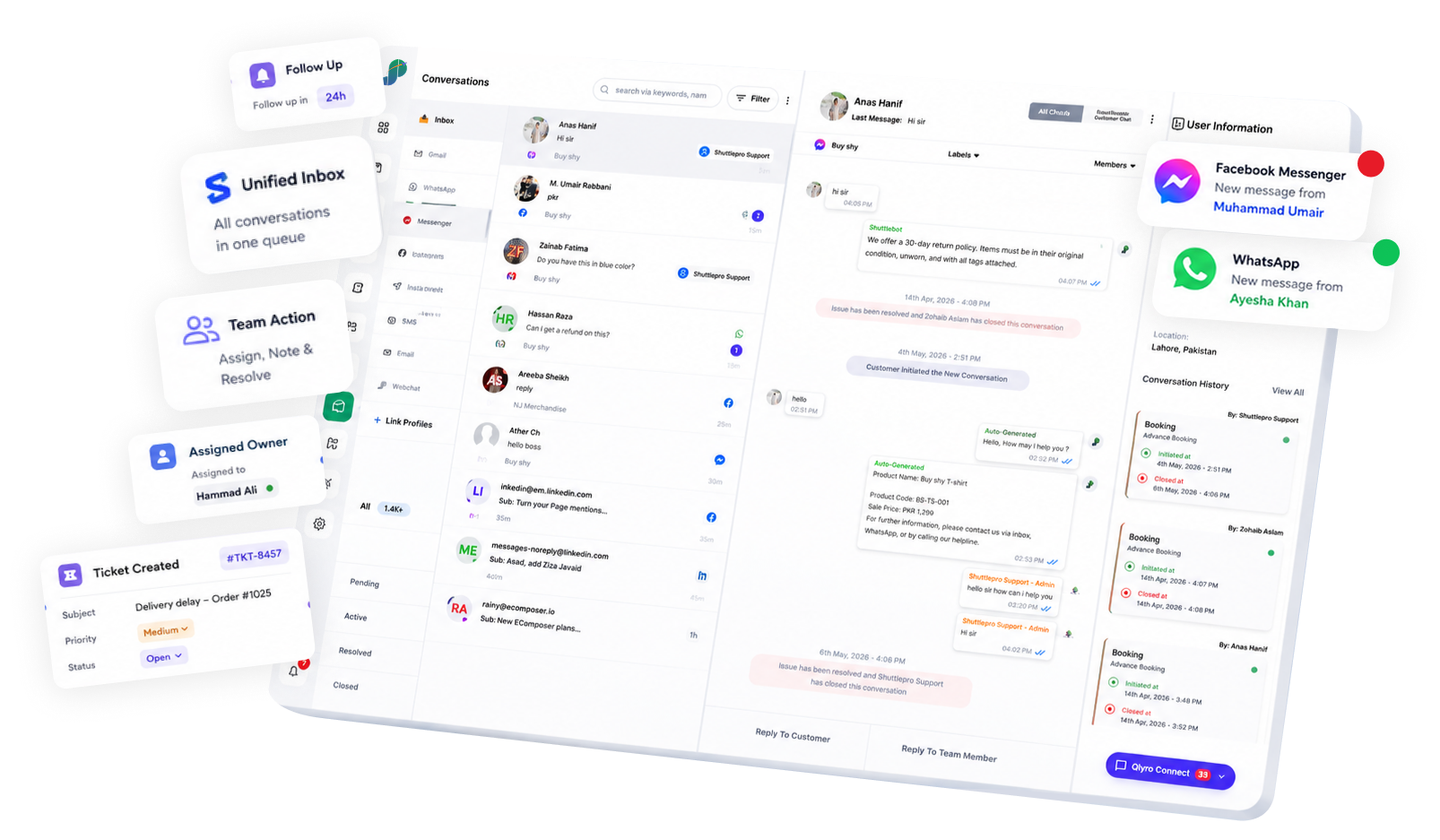
Assign ownership and collaborate
Use assignments, internal notes, and handoffs.
4
Escalate exceptions to ticketing
Track follow-ups on complaints and operational issues
5
Review outcomes (optional)
Use KPIs and audit trails for coaching and accountability (if enabled).
Related: WhatsApp Business API • Ticketing • Audit Trail
Key Features
Messenger support inside a workflow (not a separate social inbox).
What you get
✓ Messenger messages handled inside a unified inbox
✓ Ownership/assignment to reduce missed follow-ups
✓ Internal notes and handoffs
✓ Ticket escalation for complaints/exceptions
✓ Consistent workflow across WhatsApp + social channels
Use Cases
Practical examples where Messenger belongs in the same operations workflow.
Lead-to-support continuity
Ad inquiries routed with ownership (no missed follow-ups).
Complaint intake
Escalate Messenger threads into tickets for tracking.
Sale-day spikes
Triage messages like WhatsApp volume using queues.
Multi-page routing
Route to correct page/brand queue (where configured).
What makes ShuttlePro different
Tickets + accountability
Messenger connects to tickets and follow-up tracking.
WhatsApp-first operations
Unified social support built around WhatsApp-first realities.
Support-first design
Ownership and tracking, not vanity social dashboards.
Also see: Instagram DMs • Email • Webchat
FAQs
What does Facebook Messenger Integration do inside ShuttlePro?
ShuttlePro Facebook Messenger Integration helps businesses manage Facebook Messenger conversations and Facebook comments inside the same support workflow used for WhatsApp and other connected channels. Instead of handling Facebook messages and comments separately inside Meta tools, teams can manage them with ownership, assignments, automation, internal notes, and follow-up tracking through ShuttlePro’s CRM + AI Bots workflow.
This is useful for retail and eCommerce teams because Facebook often receives customer questions from page messages, ads, boosted posts, product posts, campaign comments, and complaint threads. With Unified Inbox, teams can manage Facebook as a support and engagement channel, not only as a social media inbox.
Can ShuttlePro manage both Facebook Messenger messages and Facebook comments?
Yes. ShuttlePro can help teams manage Facebook Messenger messages as well as Facebook comments from a structured support workflow where configured.
Messenger messages can be handled as private customer conversations, while Facebook comments can be reviewed, replied to, moderated, or routed for follow-up. This works well with ShuttlePro’s Shared Inbox because teams can manage customer conversations, public comments, assignments, and follow-ups from one place. For businesses already using WhatsApp CRM, Facebook can become part of the same omnichannel support process.
Can ShuttlePro automate replies to specific Facebook comments?
Yes. ShuttlePro automation can reply to Facebook comments based on specific words or queries defined by the business. For example, if customers commonly comment “price,” “PP,” “price please,” “available,” or similar words on a Facebook post or ad, the business can create an automation rule for those terms.
When a customer uses one of those words in a comment, ShuttlePro can send the predefined reply or template created for that query. This helps teams handle repeated Facebook comments faster during campaigns, product launches, boosted posts, or sale-day traffic. Similar automation logic can also be extended through AI Bots or structured flows like Interactive Bots where the workflow requires guided responses.
Can ShuttlePro support Messenger automations, chatbots, and agent handoff?
Yes. ShuttlePro can support Facebook Messenger workflows through automations and chatbots where configured. This helps businesses respond to common private-message queries such as product details, pricing, availability, order-related questions, FAQs, delivery issues, and complaint follow-ups.
If the query needs human attention, ShuttlePro can move the conversation to an agent inside the shared inbox. For more advanced automation, businesses can also use ShuttlePro’s WhatsApp AI Chatbot and AI Bots approach as part of a broader omnichannel support strategy, especially for teams handling high message volume across Facebook, WhatsApp, and Instagram.
Can Facebook Messenger conversations create tickets in ShuttlePro?
Yes. If a Facebook Messenger conversation includes a complaint, delivery issue, return request, product problem, payment concern, or escalation, ShuttlePro can help create a support ticket from that conversation.
The ticket can stay connected with the original Messenger conversation, so the handler can review customer context, reply when needed, update the ticket, and add internal comments. With ShuttlePro’s Ticketing workflow, support teams can manage Facebook complaints with ownership, status, and follow-up history instead of leaving them inside normal chat threads. This is especially useful for Customer Support Teams handling complaints from multiple social channels.
Can ShuttlePro hide, delete, block, or privately reply to Facebook comments?
Yes. ShuttlePro automation can help businesses manage Facebook comments by applying rules for different actions where configured and supported by the platform. If someone uses harsh words, abusive language, spam, or repeated negative comments, the system can help hide, delete, or block the comment/user based on the business workflow.
ShuttlePro can also support private reply workflows for comments. This is useful when a public comment needs a personal response, such as product pricing, order support, complaint handling, or customer-specific follow-up. With Audit Trail and Agent Performance, managers can review moderation actions, response activity, ownership changes, and follow-up quality.